Google Ads Landing Pages: Should You Link To Your Website Or A Dedicated Page?

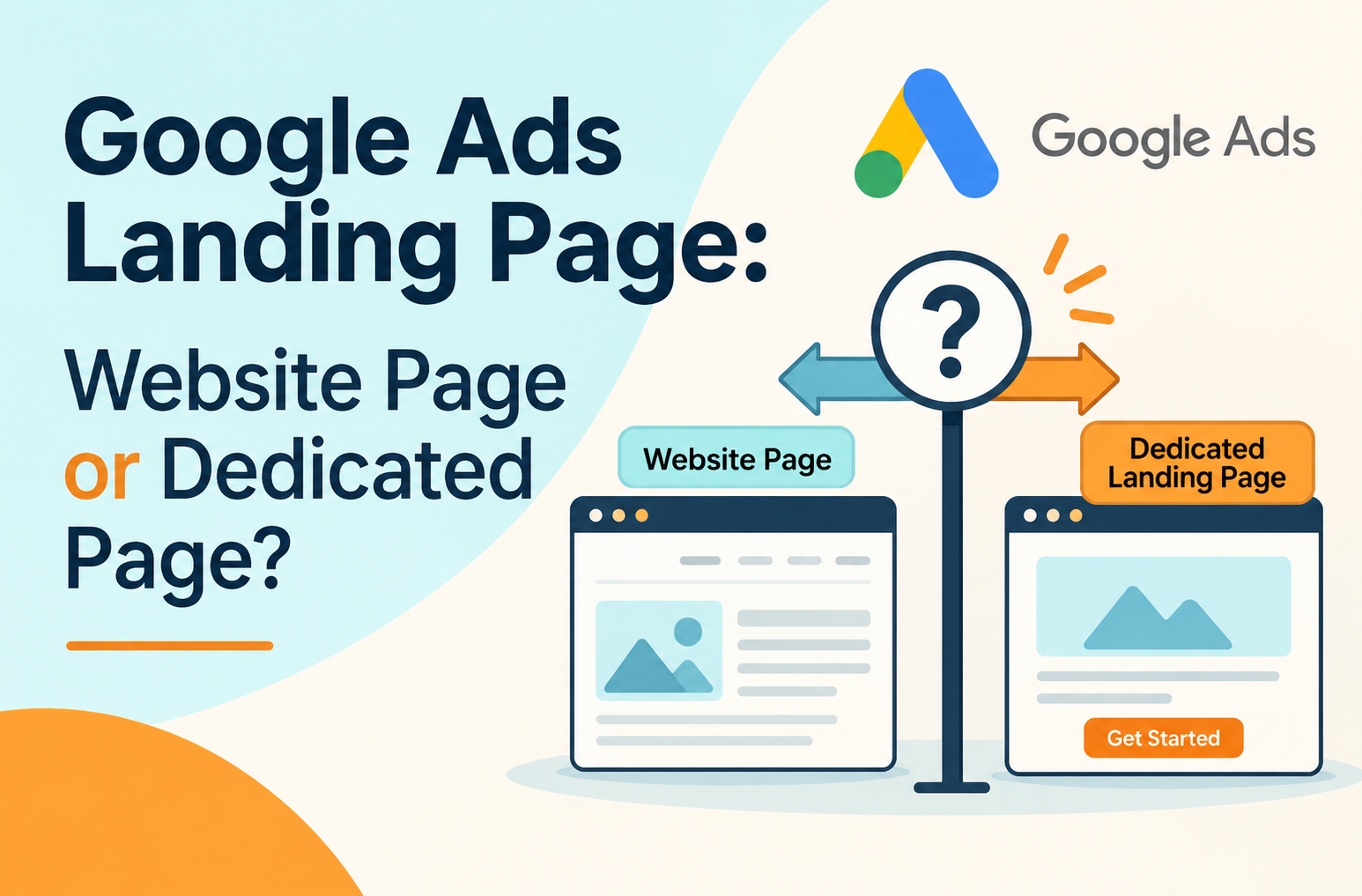
Every Google Ads campaign ends with the same choice: send clicks to a page that already exists on your site, or to a page built for that one campaign. Advertisers usually type it as a plain question: Should a Google Ads landing page link to a website landing page, or does the campaign need its own page?
The destination decides whether the page repeats the promise in the ad, how easy the visit feels and how many visitors finish the action you paid for. A weak match drags down your Google Ads conversion rate and raises the cost of each lead.
No option wins every time. The right choice depends on the campaign objective, the search intent behind your keywords and the quality of your existing pages. This guide covers the differences, a five-step framework with a decision matrix, and the mistakes that waste the most budget.
What is a Google Ads landing page and why does it matter?
A Google Ads landing page is the page a person reaches after clicking your ad, and you set it through the Google Ads final URL. It matters because that page turns a click into a lead, a sale or a bounce. Google also scores it: Google Ads landing page experience is one of three components of your Google Ads Quality Score, next to expected click-through rate and ad relevance.
How a landing page fits into the Google Ads conversion journey
The landing page is the only step after the click that you fully control.
- A person searches and sees your ad.
- They click, and the Google Ads destination URL loads.
- The page confirms they are in the right place and shows the next step.
- They call, fill in a form or buy, and the conversion is recorded.
A strong ad pointed at a vague page loses the visitor at step three, and you still pay for the click.
Website page vs. dedicated landing page: what's the difference?
An existing website page serves general visitors and several goals at once, while a dedicated landing page is built for one campaign and one action. That gap sits at the center of the landing page vs website decision.
Sending Google Ads traffic to an existing website page
Here you enter a page you already run, such as a service, product or category page, as the Google Ads final URL. It is fast and cheap, and it may already carry reviews that build trust. The trade-off is focus. A full menu and several calls to action give visitors reasons to wander, and you cannot rewrite the headline for one ad group without changing the page for organic visitors.
Creating a dedicated landing page for a Google Ads campaign
A dedicated landing page is built for one offer and one audience, with a headline that repeats the ad and a single form or button. You control the message and can test freely. The cost is build time and upkeep. For most PPC landing page work, that cost pays off only when the campaign has a distinct offer or audience.
Key differences in navigation, messaging, control and conversion goals
Should Google Ads traffic go to your website or a dedicated landing page?
So, should a Google Ads landing page link to a website landing page? Yes, when that page matches the ad and the search intent. Build a dedicated landing page when no current page does. The homepage is the right answer less often than most advertisers expect.
When an existing website page is the better choice
Use an existing page when one page covers exactly what the ad promises. A plumber advertising boiler repair can send clicks to the boiler repair page. A retailer promoting one product can use that product page, which already holds the price, images and reviews.
When you should create a dedicated landing page
Build one when the offer does not exist anywhere on your site, such as a limited-time discount, a demo sign-up or a gated download. Build one too when your pages try to do too much and bury the action.
When sending traffic to your homepage makes sense
The homepage works for branded searches, where people look for your company by name, and for broad brand campaigns. It rarely works for a query like "emergency boiler repair", because the visitor has to hunt for the right page.
How campaign type and search intent influence the decision
Intent matters more than campaign type. Someone searching "buy running shoes size 9" expects a product page. Someone searching "best CRM for small teams" expects comparison content or a demo offer. Shopping campaigns use the product page in your feed as the Google Ads destination URL, so check that page before you spend.
How to choose the right Google Ads landing page: a practical framework
Work through five checks in order. The first one that fails tells you what to fix, and the last one settles the landing page vs website question with your own data.
Step 1: Start with your campaign's conversion goal
Write down the single action you want: a purchase, a form submission, a call or a booking. A page that cannot support that action is the wrong Google Ads destination URL, however well it ranks.
Step 2: Check whether an existing website page matches search intent
Read the ad, then open the page and ask whether it answers the query on the first screen. If the headline, offer and keyword line up, the page passes. If the visitor has to scroll or click to find what the ad promised, it fails.
Step 3: Evaluate whether you need a dedicated landing page
If no page passes step two, or the campaign has a unique offer, build a dedicated landing page. If a page almost passes, try edits first. A new headline or a shorter form can save a full build.
Step 4: Assess the page's conversion experience
Check mobile load time, form length, trust signals and the clarity of the call to action. Landing page optimisation often starts here, because a relevant page that is slow or confusing still loses visitors.
Step 5: Test both options and compare results
Run the website page against the dedicated page for the same ad group. Split traffic evenly, keep the offer identical and compare cost per conversion, not click-through rate. It is the cleanest landing page vs website test you can run.
The matrix below applies the framework to common situations.
How does your landing page choice affect Google Ads performance?
It affects your Google Ads Quality Score, ad relevance, conversion rate and cost per acquisition, because the page is what both Google and the visitor judge after the click.
Landing page experience and Quality Score
Google rates Google Ads landing page experience as above average, average or below average for each keyword, and that rating feeds into your Google Ads Quality Score. Quality Score runs from 1 to 10 and works as a diagnostic. Its components influence Ad Rank and what you pay per click.
Ad relevance and message match
Message match means the page repeats the words and offer in the ad. If the ad says "free 14-day trial" and the page opens with "Welcome to our platform", visitors doubt they are in the right place. Close matching also helps your Google Ads Quality Score.
Conversion rates and cost per acquisition
A tighter match usually lifts the Google Ads conversion rate, and a higher conversion rate lowers cost per acquisition at the same cost per click. A dedicated landing page often wins when the offer is specific. A good existing page can match it when intent is broad.
User experience and conversion friction
Friction is anything that slows the action: extra menu links, long forms, pop-ups, unclear pricing. Cutting it costs less than buying more clicks.
What should an effective Google Ads landing page include?
An effective Google Ads landing page has a headline that matches the query, a clear value proposition, one focused call to action, trust signals and fast mobile performance. Use this as a checklist for any PPC landing page, whichever option you choose.
A headline that matches the search query and ad copy
Repeat the main phrase from the keyword and the ad. Someone searching "accounting software for freelancers" should see those words, not a general slogan.
Relevant content and a clear value proposition
Say what the offer is, who it is for and why it beats the alternative, all on the first screen. Prices, timelines and deliverables work better than adjectives.
A focused call to action and simple conversion form
Pick one action and ask only for what you need to follow up. A name, a work email and one qualifying question is often enough for a B2B demo request.
Trust signals and supporting information
Place customer logos, reviews, guarantees and contact details near the call to action. Link to your privacy policy and terms, since Google looks for transparency.
Mobile responsiveness and page load speed
Test on a real phone over mobile data. Compress images, remove unused scripts and make buttons easy to tap. A slow page wastes clicks you have already paid for.
How to measure and improve your Google Ads landing page performance
Measure it with the landing page reports in Google Ads, engagement data in Google Analytics 4 and A/B tests, and judge it on Google Ads conversion rate, cost per conversion and lead quality.
1. Google Ads landing page experience and performance reports
The landing pages report in Google Ads shows clicks, conversions and mobile-friendly click rate for each final URL. The Quality Score columns show the landing page experience rating per keyword. Together they point you to the weakest page.
2. Tracking conversions and engagement in Google Analytics 4
Link GA4 to Google Ads and mark your lead or purchase events as key events. The GA4 landing page report then shows sessions, engagement and key events by page, so you can compare a website page and a dedicated page on the same definitions.
3. Using A/B testing to compare landing page performance
Change one element at a time, such as the headline, the form length or the offer, and run the test until each version has enough conversions to separate a real gap from noise. Google Ads experiments can split traffic between two final URLs. Landing page optimisation works best as a steady series of small tests.
4. Metrics to evaluate: conversion rate, cost per conversion and lead quality
- Google Ads conversion rate shows how well the page turns clicks into actions.
- Cost per conversion shows whether those actions are affordable.
- Lead quality, checked in your CRM, shows whether conversions become pipeline.
A page with a high conversion rate and junk leads is worse than one with fewer, better leads.
Common mistakes to avoid when choosing a Google Ads landing page
- Sending all campaigns to the homepage regardless of intent. Visitors with a specific need have to search your site, and many will not.
- Using a generic page that does not match the ad. A PPC landing page with a headline that ignores the query wastes the click.
- Creating dedicated pages without a clear conversion objective. A polished page with no defined action cannot be measured or improved.
- Removing navigation without considering user needs. Short lead-generation pages can drop the menu, but a high-consideration purchase may need links to pricing or FAQs.
- Ignoring mobile experience and page speed. Many paid clicks come from phones, and a slow page loses those visitors first.
- Measuring clicks instead of meaningful conversions. Click-through rate tells you the ad worked. Only conversions tell you the page did.
Choose the destination that best serves your campaign
Neither an existing website page nor a dedicated landing page is automatically better. The honest answer to “should Google Ads landing page link to website landing page” is yes when the page keeps the promise made in the ad, and no when it does not. The right destination is the one that fulfils the promise made in the ad, matches search intent and makes the desired action easy. Start with the page you have, test it against the dedicated landing page you would build, and let conversion data guide your landing page optimisation.
Envizon helps B2B SaaS teams build Google Ads campaigns and landing pages that turn paid traffic into pipeline. Book a call with Envizon, and we will review your current Google Ads final URLs and show you where to start.
No. Google Ads does not require advertisers to create dedicated landing pages for every campaign. You can direct visitors to relevant pages on your existing website, provided they meet Google's destination requirements and offer a useful experience.
You need a destination for most standard Google Search ads, but it does not have to be a dedicated landing page. You can use an existing website page that meets Google's requirements. The destination should help visitors find relevant information or complete an action.
Yes, you can use your homepage as a Google Ads landing page. However, it should clearly reflect what your ad promises. If visitors have to search through multiple sections to find the advertised product or service, a more specific page may work better.
A dedicated landing page does not automatically improve Quality Score. Google considers factors such as landing page experience, ad relevance and expected click-through rate. A focused page that matches the ad and provides useful content can contribute to a better landing page experience.
No. Every campaign does not need a separate landing page. If an existing website page closely matches the ad, provides relevant information and makes the next step clear, you can use it. Dedicated pages are useful for specific offers and conversion goals.
It depends on the campaign goal. Removing navigation can reduce distractions when you want visitors to complete one specific action. However, keeping navigation can help visitors explore products, services or company information before making a decision. Choose based on user needs and campaign intent.
B2B SaaS GTM strategist and Founder of Envizon. With 18+ years leading marketing across startups like iMocha, Lavelle Networks, CloudCherry, and Hotelogix, she now helps early-stage founders build GTM engines that scale.
About Envizon
Envizon helps early and growth-stage B2B SaaS startups build their go-to-market (GTM) engine, before they hire a full in-house team.We combine Fractional CMO leadership with a full-stack execution team across outbound, inbound, content, AI, paid, and PR.Not an agency. Not just advisory. Envizon acts as your internal GTM partner- bringing strategy, systems, and execution together to help founders scale faster and smarter.
Knowledge Themes
Looking for the best B2B marketing agency alternative?
Envizon combines Fractional CMO leadership with execution across all GTM channels