Google Ads Conversion Value and Tracking: Setup, Optimisation and Measurement

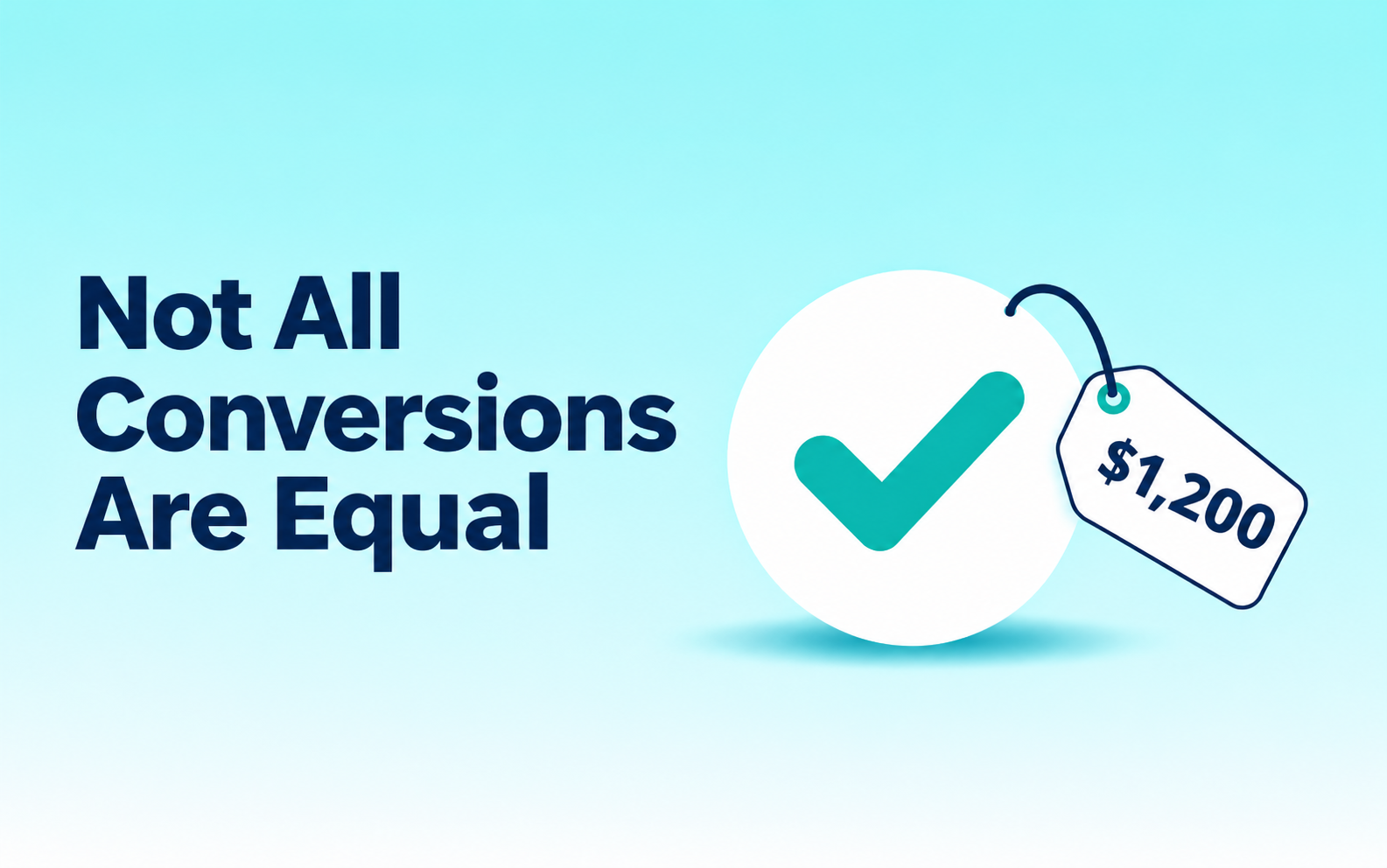
Most accounts know that a Google Ads conversion happened. Far fewer know what it was worth. For a B2B team, that gap gets expensive, because a $20,000 demo request and a free template download both land in the report as one conversion, and Smart Bidding treats them the same. This guide covers Google Ads conversion value in order: what it is, how to assign and track it, how bidding uses it, and how to keep it accurate.
What is Google Ads conversion value and how does it work?
Google Ads conversion value is the amount you assign to a conversion to show what that action is worth to your business. The tag or import records the value with the conversion, Google Ads credits it to the ad interaction that led to it, and the figure then feeds your reports and, with a value-based strategy, your bids.
Conversion value, conversion count and revenue
Conversion count tells you how many actions happened. Conversion value tells you how much each was worth, in whatever amount you chose to report. Revenue is what finance books, and it often differs from both. Google's documentation says value-based bidding maximises whatever you report in the conversion value column, so that column limits how good bidding can be.
Fixed and dynamic values
A fixed value gives every conversion the same number, which Google's Help Centre calls a static value. A dynamic value changes with each transaction, such as a basket total or a deal size, and your tag or upload passes it in. Fixed values work when conversions are roughly equal. Dynamic values suit a catalogue priced between $20 and $2,000.
How Google Ads records and reports the value
When the tag fires, it sends the value and currency with the conversion. Google Ads attributes it to the interaction according to your attribution model and reports it in columns such as Conv. value, Conv. value/cost and All conv. value.
This matters for Google Ads conversion tracking because value is the only way to tell Google that one lead is worth ten others. Without it, bidding cannot tell a $50 lead from a $5,000 one, and budget drifts toward the cheapest conversions. Conversion value in Google Ads turns a count of actions into a measure of business impact.
How to assign conversion values in Google Ads
Assign each conversion the amount it contributes to the business: the same number when conversions are alike, and different numbers when they vary. Google marks the option to use no value at all as not recommended, because Smart Bidding then has nothing to optimise toward.
1. Same value or different values
Use one value when every conversion is worth about the same, such as a single product at a fixed price. Use different values when prices or deal sizes vary, which means passing a number through the tag or an import.
2. Calculating value for lead generation
A lead has no price when it arrives, so you build one. Multiply your lead-to-customer close rate by your average deal value. If 5% of demo requests become customers and the average first-year contract is $24,000, each demo request is worth $1,200.
3. Assigning values by lead quality
A single average hides differences. A content download and a demo request do not close at the same rate, so they should not carry the same value. Pull close rates by stage from your CRM. These figures are illustrative, using a $24,000 contract.
4. Choosing between revenue, profit and estimated business value
For conversion value in Google Ads, revenue is the easiest to track and works when margins are similar across products. Profit is better when margins differ, because revenue-based bidding favours big-ticket, low-margin items. Estimated business value suits long B2B cycles where revenue arrives months after the click. Pick one basis for every Google Ads conversion, or ROAS comparisons stop meaning anything.
How to set up conversion value tracking in Google Ads
This Google Ads conversion tracking setup covers a website conversion. Offline imports follow the same steps with a different source at Step 3.
Step 1: Create a conversion action
In Google Ads, open Goals, then Conversions, then Summary, and select New conversion action. Pick the action you want to measure, such as a purchase, a submitted lead form or a booked demo.
Step 2: Select a conversion value method
For Google Ads conversion value tracking, choose between the same value for each conversion and different values for each conversion. Enter a default value either way, because Google uses it whenever the tag sends none.
Step 3: Choose your conversion tracking source
Website conversions come from the Google tag, app conversions from an app SDK, and imports bring in data from Google Analytics or your CRM. B2B teams with long sales cycles usually need the import route, because the real value is only known once a deal closes.
Step 4: Implement the Google tag or Google Tag Manager
Install the Google tag across the site, then fire the conversion event on the page or trigger that confirms the action, such as a thank-you page or form submit. In Tag Manager, create a Google Ads conversion tracking tag with your conversion ID and label. URL-based codeless tracking only supports static values, so dynamic values need the event snippet or a Tag Manager variable.
Step 5: Pass conversion value and currency
This step turns a plain conversion into a Google Ads conversion value. Every conversion your tag reports needs to carry three fields, and each has its own job.
In Google Tag Manager, push these fields into the data layer when the order or lead is confirmed, then map them to the matching fields of your Google Ads conversion tracking tag. If a developer installs the Google tag directly, the event snippet looks like this:
gtag('event', 'conversion', {
'send_to': 'AW-123456789/AbC-D_efG-h12_34-567',
'value': 123.05,
'currency': 'USD',
'transaction_id': 'ORDER-1001'
});
Replace the example value with a variable that reads the real order total or lead value from your site. A hardcoded number defeats the purpose, because every conversion would then carry the same figure. Leave out currency symbols and thousands separators, use a period as the decimal separator, and keep the transaction ID unique for each order. That lets Google Ads discard duplicate firings and lets you adjust the conversion later for refunds.
Step 6: Test and verify conversion value tracking
A good Google Ads conversion tracking setup ends with proof. Fire a test conversion with Tag Assistant or Tag Manager preview and confirm the value and currency appear in the request, then compare the first few days of recorded values with your order or CRM data. Google recommends reporting values for several weeks, or one to two conversion cycles, before you switch to value-based bidding.
How to track conversion values for different business models
The right method for tracking conversion value in Google Ads depends on when the value becomes known: at checkout for e-commerce, after qualification for leads, after payment for SaaS, and after the deal closes for B2B.
E-commerce is the simplest case: send the cart total, or the cart margin if profit varies by product. For lead generation, start with static values per form type and move to imported values once your CRM shows which leads closed. SaaS needs two actions. A trial start is worth a fraction of a paid plan, so value it at your trial-to-paid rate multiplied by first-year plan value, then send the real plan value when the customer pays.
B2B is where Google Ads conversion value tracking pays off most. Capture the click ID at form submission, store it in your CRM, and upload stage changes and closed-won values back to Google Ads. Google lists Mitsubishi Motors among its customer success stories: the company raised ROAS by 107% with value-based bidding by using online indicators of offline sales as conversion values. Those indicators were proxies, not revenue, which shows that a well-chosen proxy works.
When you track several Google Ads conversion actions, mark only the ones tied to business outcomes as primary so they drive bidding, and set the rest as secondary so they stay visible without steering bids.
How Google Ads uses conversion values to optimise campaigns
Google Ads uses conversion values through value-based Smart Bidding, which sets each bid according to the value it predicts the click will bring.
- Maximise conversion value and Target ROAS
Maximise conversion value tries to get the highest total value from your budget. Adding a target ROAS tells it to aim for a specific return while spending that budget. Google's own example is $5 of sales for every $1 of spend, which is a 500% target. Google began relabelling these strategies in June 2026, so "Maximise conversion value with a target ROAS" may now read "Target ROAS".
- How values shape Smart Bidding
At auction time, Smart Bidding predicts how likely a click is to convert and what value it will bring, using signals such as device, location, time and audience. When bids follow value, a click likely to lead to a $24,000 deal can be bid higher than one likely to produce a download.
- Conversion value and conversion volume optimisation
Target CPA optimises volume: as many conversions as possible at an average cost. Target ROAS optimises value, so individual conversions can cost very different amounts. Google reports that advertisers who switch from Target CPA to Target ROAS see an average 14% increase in total conversion value at a similar return on ad spend. That is Google's average, not a promise for your account.
- When to use value-based bidding
Use it when conversions differ in worth, and your Google Ads conversion tracking reports reliable values. To bid toward a new goal such as qualified leads, Google advises moving to that goal on Target CPA first and passing values before enabling value-based bidding. Accounts with very low volume should stay on a volume strategy.
How to measure conversion value and ROAS
Four columns cover the core Google Ads conversion metrics: total conversion value, value per conversion, conversion value per cost and return on ad spend. Read together, these Google Ads conversion metrics show whether value grows faster than spend.
Google's guidance is to multiply conversion value per cost by 100 to get the ROAS percentage.
When you compare campaigns, use these Google Ads conversion metrics, especially conversion value per cost, instead of conversion count. A campaign with fewer conversions and larger deals can outperform a high-volume one. Compare only campaigns that share a value basis.
In Google Ads, conversion value is not revenue. It is what you told Google each action was worth, while revenue is what the business booked. Each month, compare closed-won revenue in your CRM with the value reported in Google Ads. Attribution differences, refunds and delayed deals explain some of the gap. If it keeps widening, revisit your values.
Common Google Ads conversion value tracking mistakes
Most Google Ads conversion tracking errors come from the tag, the value or the currency. These seven show up most often.
Google Ads and Analytics use different attribution models, so totals rarely match. Treat the CRM as the reference and judge your Google Ads conversion tracking setup by how closely reported value follows closed revenue.
How to adjust conversion values in Google Ads
You adjust a recorded conversion by uploading a restatement, which changes its value, or a retraction, which removes it.
1. When adjustments are needed
Customers return purchases, cancel reservations or downgrade plans, and Google also lists lifetime value changes as a reason to adjust. Without adjustments, the account keeps rewarding campaigns for revenue that never stayed.
2. Restating and retracting conversions
A restatement changes the value but leaves the count alone, which suits partial refunds. A retraction sets the value to zero and removes the conversion from the count, which suits full cancellations. Online conversions can only be adjusted if you used a transaction ID. You upload adjustments in a spreadsheet, the same way you import offline conversions, or send them through the API. Once a conversion is retracted, later adjustments to it are ignored without an error message.
3. Updating values from sales outcomes
For B2B, restate the estimated lead value with the real contract value when a deal closes, using the same transaction ID.
4. How adjustments affect reporting and bidding
Adjusted values appear in the same columns as regular data, and the Conversion adjustment segment compares original and adjusted figures. Restating affects the value columns and ROAS strategies. Retracting also changes the conversion count and CPA strategies. Autobidding only reads adjustments made within 7 days of the conversion being recorded, although Google accepts adjustments for up to 55 days, so send corrections early.
Best practices for Google Ads conversion value tracking
- Set only actions tied to revenue as primary conversions and keep the rest secondary.
- Base conversion value in Google Ads on CRM close rates and deal sizes, and review it each quarter.
- Add a transaction ID to every conversion to prevent duplicates and make adjustments possible.
- Import offline outcomes such as qualified leads and closed-won deals, because good Google Ads conversion value tracking follows the deal, not the form fill.
- Let values collect for a few weeks, or one to two conversion cycles, before you switch to value-based bidding.
- Reconcile reported value against CRM revenue monthly and send refunds as adjustments, so your Google Ads conversion metrics stay close to revenue.
Improve your Google Ads performance with more reliable conversion data
Bidding can only chase the numbers you give it. When your Google Ads conversion data reflects real business value, Smart Bidding spends where the revenue is. When it does not, spend follows the cheapest clicks.
If you want a second pair of eyes, Envizon can audit your conversion actions, value logic and offline import, then connect the cleaned data to bidding. Talk to Envizon about your Google Ads conversion tracking setup and see where your current values are steering spend.
A good conversion value depends on your business model, margins, and customer lifetime value. For ecommerce, it may reflect revenue per purchase. For lead generation, it can represent estimated revenue or profit associated with a qualified lead.
Open Google Ads and navigate to Goals, Conversions, and Summary. Check the conversion value metrics in your reporting, or add the Conversion value column to your campaign table to compare value generated across campaigns.
Yes. Google Ads lets you assign different values to conversion actions or pass dynamic values for individual transactions. For example, purchases can send actual order revenue, while demo requests can carry estimated values based on their likelihood of becoming customers.
Yes. Conversion value feeds value-based bidding strategies such as Maximize conversion value and Target ROAS. Google uses the values reported for conversions to prioritize ad interactions that are more likely to generate higher returns, rather than simply maximizing conversion volume.
Yes. You can assign estimated values to actions such as demo bookings, form submissions, phone calls, or newsletter signups. Base these estimates on historical conversion rates, average deal size, or the expected revenue contribution of each action.
A zero conversion value may indicate that the tag isn't passing a value, a dynamic variable is returning zero, or the conversion action is configured incorrectly. Check your tag implementation, data layer variables, and conversion settings.
Review conversion values whenever your pricing, margins, lead quality, or sales conversion rates change. For lead generation, reassess estimated values periodically using CRM data. For ecommerce, ensure reported values reflect actual transaction amounts as they occur.
B2B SaaS GTM strategist and Founder of Envizon. With 18+ years leading marketing across startups like iMocha, Lavelle Networks, CloudCherry, and Hotelogix, she now helps early-stage founders build GTM engines that scale.
About Envizon
Envizon helps early and growth-stage B2B SaaS startups build their go-to-market (GTM) engine, before they hire a full in-house team.We combine Fractional CMO leadership with a full-stack execution team across outbound, inbound, content, AI, paid, and PR.Not an agency. Not just advisory. Envizon acts as your internal GTM partner- bringing strategy, systems, and execution together to help founders scale faster and smarter.
Knowledge Themes
Looking for the best B2B marketing agency alternative?
Envizon combines Fractional CMO leadership with execution across all GTM channels